.png)
 2 years ago
🎙️ Daily Podcast (FR) : NViNiO•Podcast™
ADs | ✨ Enhance your Social Media content with NViNiO•AI™ for FREE
Aug 14, 2024
[[read-time]] min read
Originally created as a way to help teachers save trips to the copy machine, Google Classroom has continuously worked with schools to meet their changing needs. It’s no longer just about saving time, but also about creating more of it — by helping educators extend their impact.
Shantanu Sinha
VP, Product Management, Google for Education
General summary
Over the past decade, Google Classroom has evolved from a simple assignment distribution tool into a central platform for teaching and learning. With over 800 updates, it now offers a range of features to help educators save time and create more impactful learning experiences. Looking ahead, Google is bringing more AI features to Classroom, including the capabilities of Gemini, to help educators brainstorm lesson ideas, differentiate content, and track student progress. Additionally, Classroom is expanding its interoperability with more EdTech tools, making it easier for educators and students to access their favorite tools without leaving the platform.
Summaries were generated by Google AI. Generative AI is experimental.
Bullet points
Google Classroom celebrates 10 years of transforming education with over 800 updates. AI integration enhances teaching with features like Gemini for lesson ideas and LearnLM for personalized learning. Classroom analytics provide insights for informed decisions, and educators can define student groups for differentiated instruction. Interoperability with EdTech tools like Kahoot! and Figma streamlines class setup and collaboration. Read Along in Classroom expands to support reading practice in Spanish and Brazilian Portuguese.Summaries were generated by Google AI. Generative AI is experimental.
In 2014, a team of Googlers (many of whom were former educators) launched Google Classroom as a "mission control" for teachers. With a continuous feedback loop with schools through the Google for Education Pilot Program, Classroom has since evolved from a simple assignment distribution tool into a central destination that enables schools to achieve real learning impact and consolidate their technology offering on Workspace for Education.

Before Google Classroom became a central place for Google Workspace tools, a 2nd grade teacher created these posters explaining to students how to share and submit their work in Google Drive.
How Google Classroom helps institutions around the world
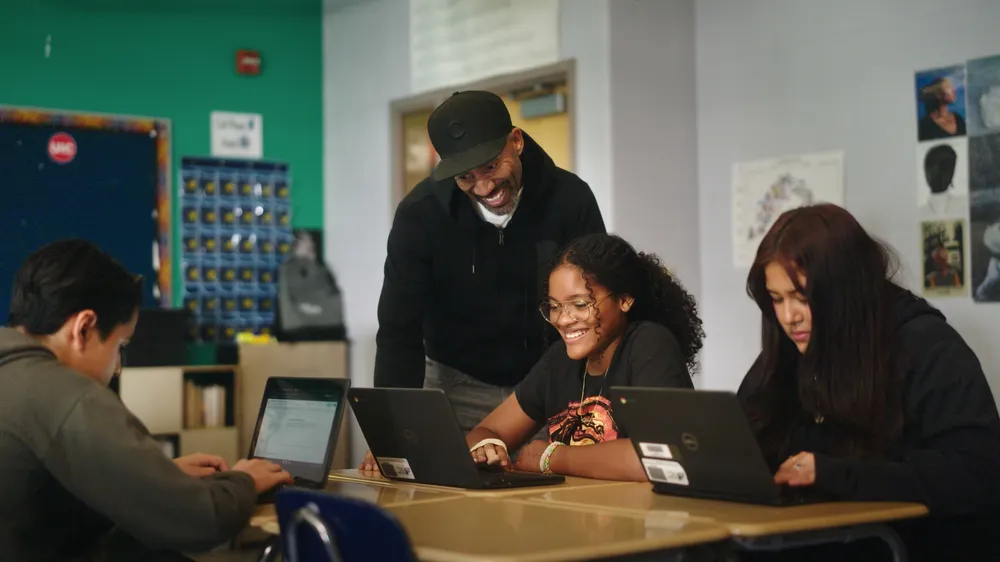
“When we were looking at an LMS solution, Google Classroom had this balance of being really intuitive, but also incredibly powerful. It didn't require a lot of training for our staff, and we could get children set up in seconds.” - Graham Macaulay, Director of Strategic Partnerships, LEO Academy Trust, London, United Kingdom
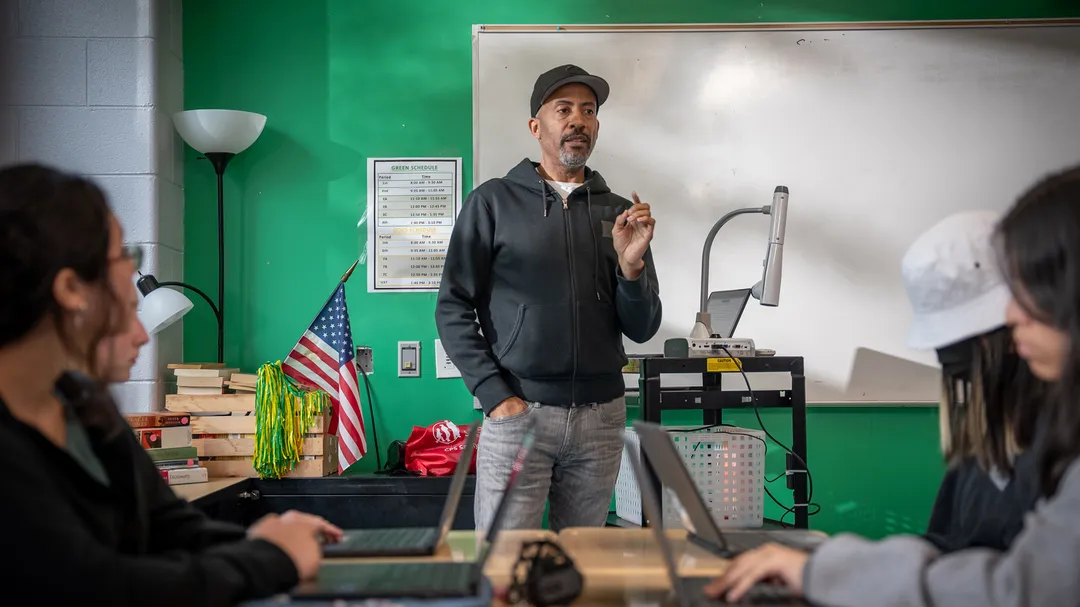
"The simplicity of Google Classroom is what not only allowed us to choose it, but empowered us to stay with Google Classroom over the last 10 years." - Mary Beck, Deputy Chief of Teaching and Learning at Chicago Public Schools, Chicago, Illinois

“Google Classroom really helps our students at different learning levels because it allows educators to personalize teaching. Our educators can keep track of students' learning progress, identify different learning levels, and provide real-time feedback for students using the resources offered by Google Classroom. ” – Samuel Guedes, Director of Education Technology, Municipality of Bertioga, São Paulo, Brazil
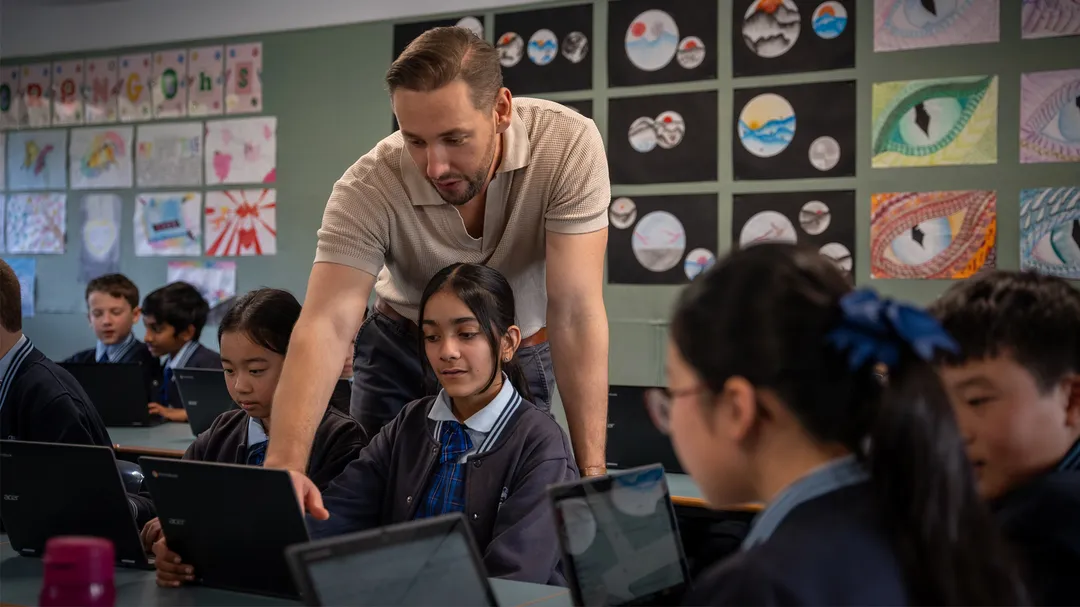
“From a point of view of an administrator as well as a teacher, anything that makes teaching easier is going to be the best tool for the classroom, and Google Classroom really is that best tool.” - Sara Duncan, Head Teacher of Secondary Studies & IT Leader, Carlingford High School, New South Wales, Australia
Over the last 10 years, the Classroom team has made more than 800 updates to the product to transform it into a teaching and learning tool fit for any school, from usability changes to new features that transform the way students all over the world learn. Looking ahead, we're evolving to help leaders and educators not only save time, but also create time – especially with the help of AI – by amplifying their impact on meaningful student progress.
Bringing more Google AI features to Classroom
AI is something that we’ve integrated into our tools for a while, from recommending resources to support students in practice sets, to now suggesting questions for educators to add to interactive YouTube assignments.Soon, we’re bringing the capabilities of Gemini to Classroom in English for users globally as part of Gemini for Google Workspace, with a dedicated space for educators to kickstart lesson ideas, brainstorm engaging activities, differentiate content for students and more, with the help of generative AI. Like the rest of Gemini for Google Workspace, Gemini in Classroom has enterprise-grade protections and is covered under the Google Workspace for Education Terms of Service.We’re also expanding the AI track of the Google for Education Pilot Program, unlocking more capabilities this year that are informed by LearnLM, Google’s new family of models fine-tuned for learning, based on Gemini and grounded in educational research. Express interest in the AI track through this form.Helping to differentiate assignments and track student progress
Last year, we launched Classroom analytics to provide more visibility for education leaders and teachers to make informed decisions. We’re now exploring how to unlock the most valuable pieces of student performance data and surface relevant insights right where teachers can take action in Classroom. Early pilots include showing insights from student information systems, as well as tracking student growth by learning skills and standards that are tagged to Classroom assignments. Express interest with this form.To differentiate instruction, educators will soon be able to define groups of students in Classroom that they can adjust over time and use to assign adapted content based on each group’s needs.Grading improvements are also now globally rolling out, including the ability for admins to set default grading settings (periods, categories, scales) for their institutions from the Admin console, plus bulk grading and more flexibility for missing and excused assignments.Expanding interoperability with more EdTech tools
To streamline class set-up and make tools work better together, admins and educators can set up classes with OneRoster SIS partners, including Aspen, Infinite Campus, Skyward and now PowerSchool SIS. They can import information like student lists, co-teachers and grading settings, or export grades.Using single sign-on, educators and students can now access more than 30 of their favorite EdTech tools without leaving Classroom, including Kahoot!, Pear Deck and Kami. Stay tuned for more Classroom add-ons coming soon, like Figma, empowering educators and students to select, assign, and collaborate with FigJam within Google Classroom.Developing reading skills
Read Along in Classroom, now a Google Workspace for Education service, makes it easier for educators to support each child’s individual reading education with AI-enabled, real-time feedback for students as they read out loud, plus automated insights and a ready-to-go content library with over 800 books from Heggerty, ReadWorks and more. In the coming weeks, educators can see insights on students’ phonics skills, too.Initially, Read Along in Classroom launched globally to help students practice reading in English (with additional support for English language learners whose native language is Spanish). In the coming weeks, we're expanding to support reading practice in Spanish and Brazilian Portuguese, too.Making it easier to share curricula
Last year, we made it possible for education leaders and educators to create shareable links to their class templates and Classwork pages, so educators could copy the information they want into their own classes. Looking ahead, we're exploring new ways to make it easier for Admins to distribute content at scale. Express interest with this form for future content distribution pilots.Educators can also now share a link to the Classwork page so parents and guardians can view assigned work, or they can access it via their weekly guardian summary emails.A teacher adds text and uses generative AI to change the reading level of the text.
Gemini capabilities are coming to Classroom to help kickstart lesson ideas and differentiate content more easily.
An administrator is in a dashboard and clicks on assignment completion, then average grades, then active students
Get visibility into student performance and engagement, including if assignments are being completed, how grades are trending, and how Classroom is being adopted.
A teacher creates a group of students and labels the group as “Algebra Intervention” then assigns homework to that specific group of students.
To differentiate instruction, educators will soon be able to define groups of students in Classroom to assign adapted content based on each group’s needs.
From the gradebook in Classroom, a teacher clicks on a button that says, “Export to SIS” and then selects which assignment grades they want to export.
Educators can more easily export grades from the Classroom gradebook to their supported student information system (SIS).
An animation of 10 logos of EdTech partners shows up, then the video animates to reveal ~20 other logos
Expand your teaching toolkit with 10 new Classroom add-ons for seamless integration.
Learn more about Classroom and discover new resources on our Classroom webpage. Reference this guide for each feature’s availability, including the Google Workspace for Education edition or add-on required to access them.







 English (United States) ·
  French (France) ·